Shared housing
Room Rental Management Software for Letting by the Room
· 8 min read
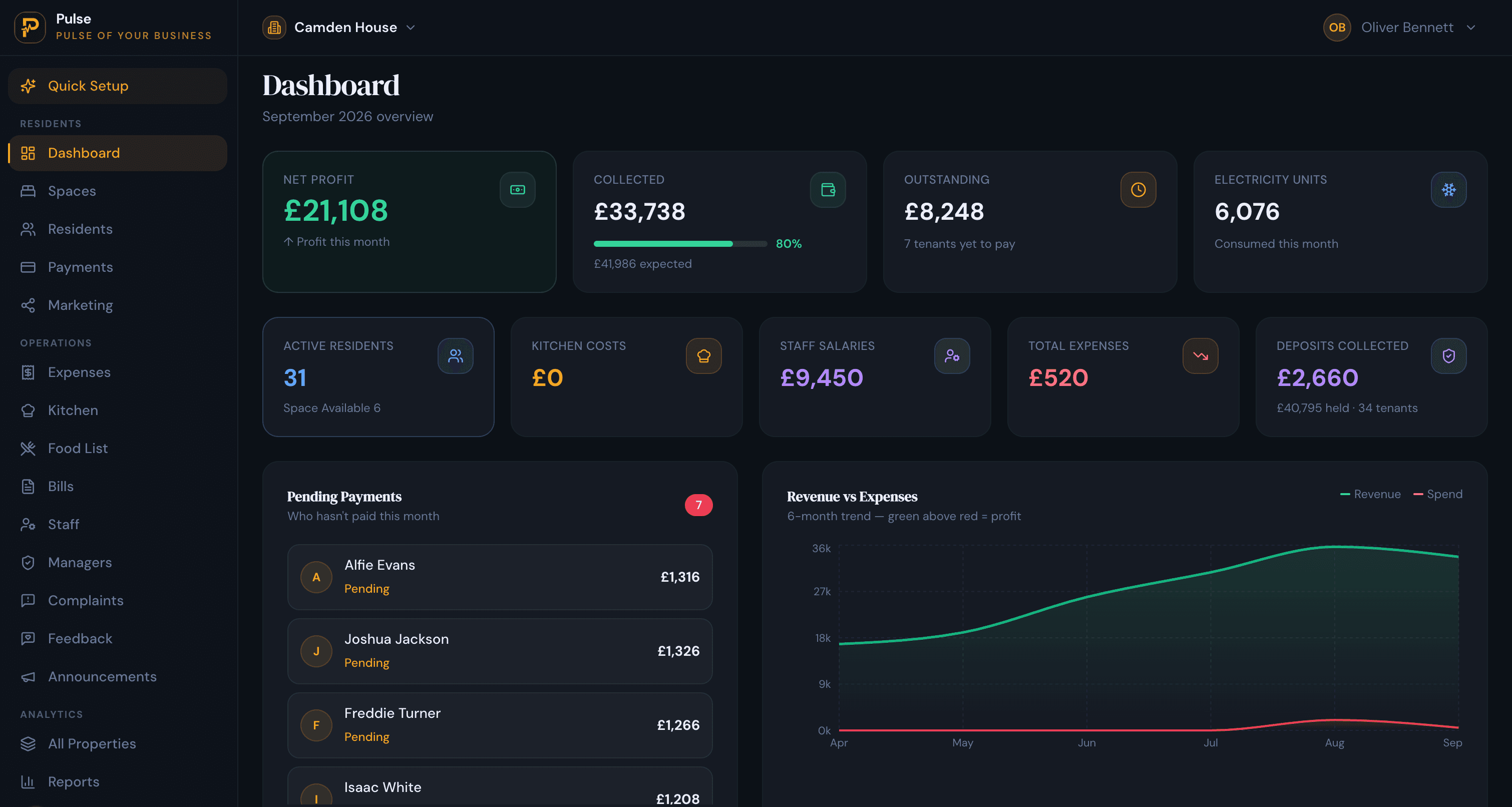
Room rental management software lets a property by the room, not the whole unit: a record and one bill per resident, occupancy down to the room and bed, deposits and arrears, your own page to fill rooms, and every property in one view. It is built for the way house shares, co-living, HMOs, hostels and student housing actually run, where several people share a property and each pays their own rent.
The problem with running that on ordinary landlord software is simple: it assumes one tenant, one unit, one rent. The moment a house holds five residents on five separate rents, each with their own deposit and their own arrears, a whole-unit tool cannot keep up. This guide covers what room rental software does, why generic tools do not fit, the features that matter, and one honest line on what it does with the money.
What room rental management software does
At its core it runs a property let by the room from one place: a record for each resident with their deposit, documents and history, true occupancy down to the room and bed, one bill that gathers rent and any shared costs, the payments against it, and a clear view of how each property is performing. Instead of a room list in one spreadsheet and a rent tracker in another, it keeps them together, for one house or a whole portfolio.
Why ordinary landlord software does not fit
Most landlord tools are built on one assumption: one tenant signs for one whole unit and pays one rent. Letting by the room breaks every part of that. You have several residents under one roof, each on their own room or bed, each with a separate rent, deposit and move-in date. A whole-unit tool cannot bill a room, cannot show a house as part full, and turns every change of resident into a manual rebuild.
Room rental software starts from the room instead. Each resident is one record with one bill, occupancy is tracked down to the bed and cannot be over-filled, and a resident moving out simply frees their bed for the next one, with the deposit settled and the history kept.
The features that matter
Use this as a checklist when you compare tools:
- Room and bed-level occupancy that cannot be over-filled, so a five-bed house with four residents reads as four-fifths full.
- One bill per resident, with rent and any shared costs together, part-payments tracked as installments and the real balance carried forward.
- Deposits recorded against each resident and settled at move-out.
- Arrears tracking and automatic reminders, so overdue rent is chased without you doing it by hand.
- Shared-cost handling, such as metered electricity split between residents by their dates, and recurring charges for water, gas or broadband.
- Your own public page, with live room availability, so prospects enquire with you directly.
- Room and branch transfers, so a resident moving within or between your properties keeps their record and history.
- Portfolio reporting, with occupancy and collections per property, and manager access scoped to one property.
How PulseHub fits
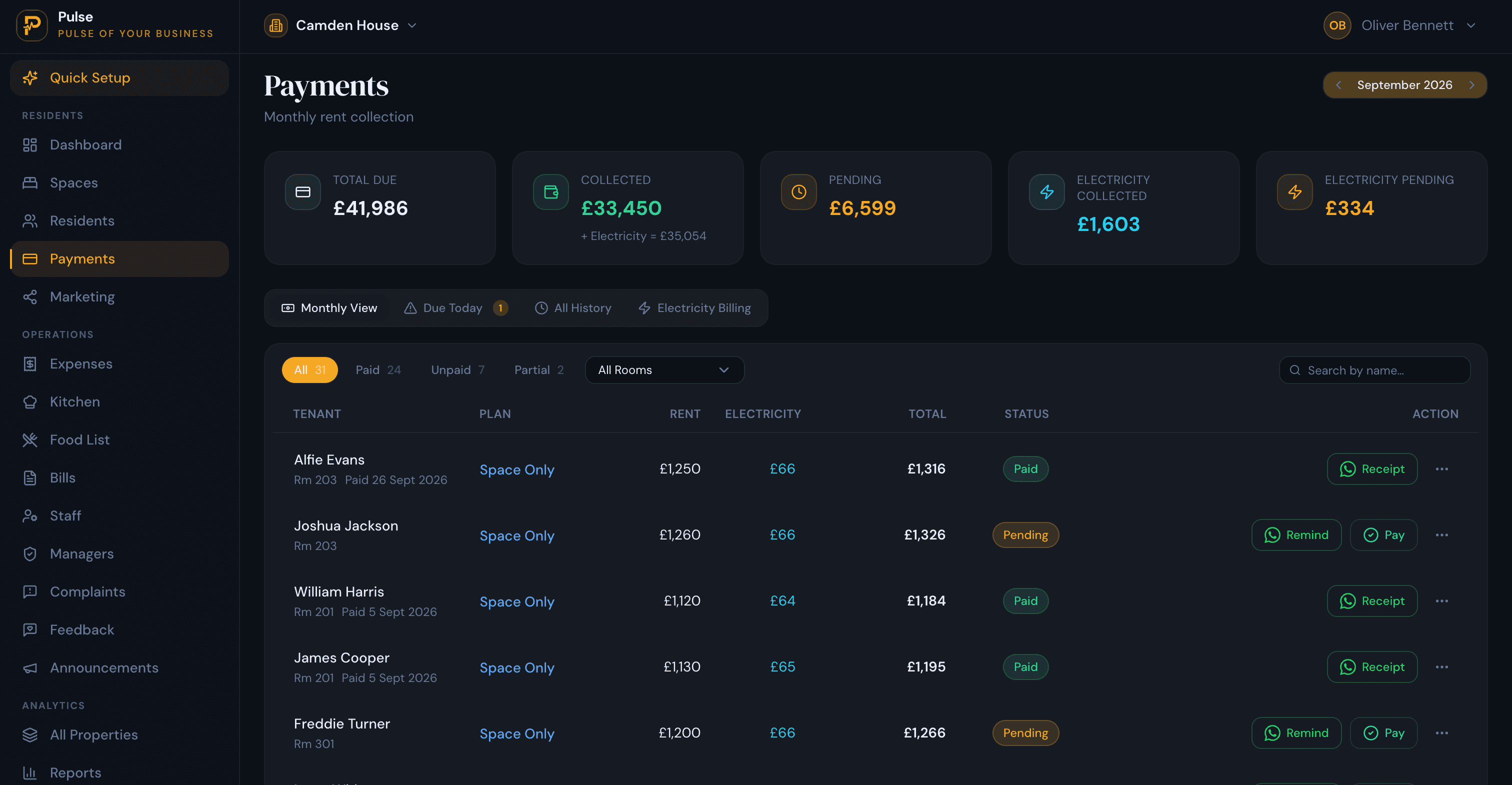
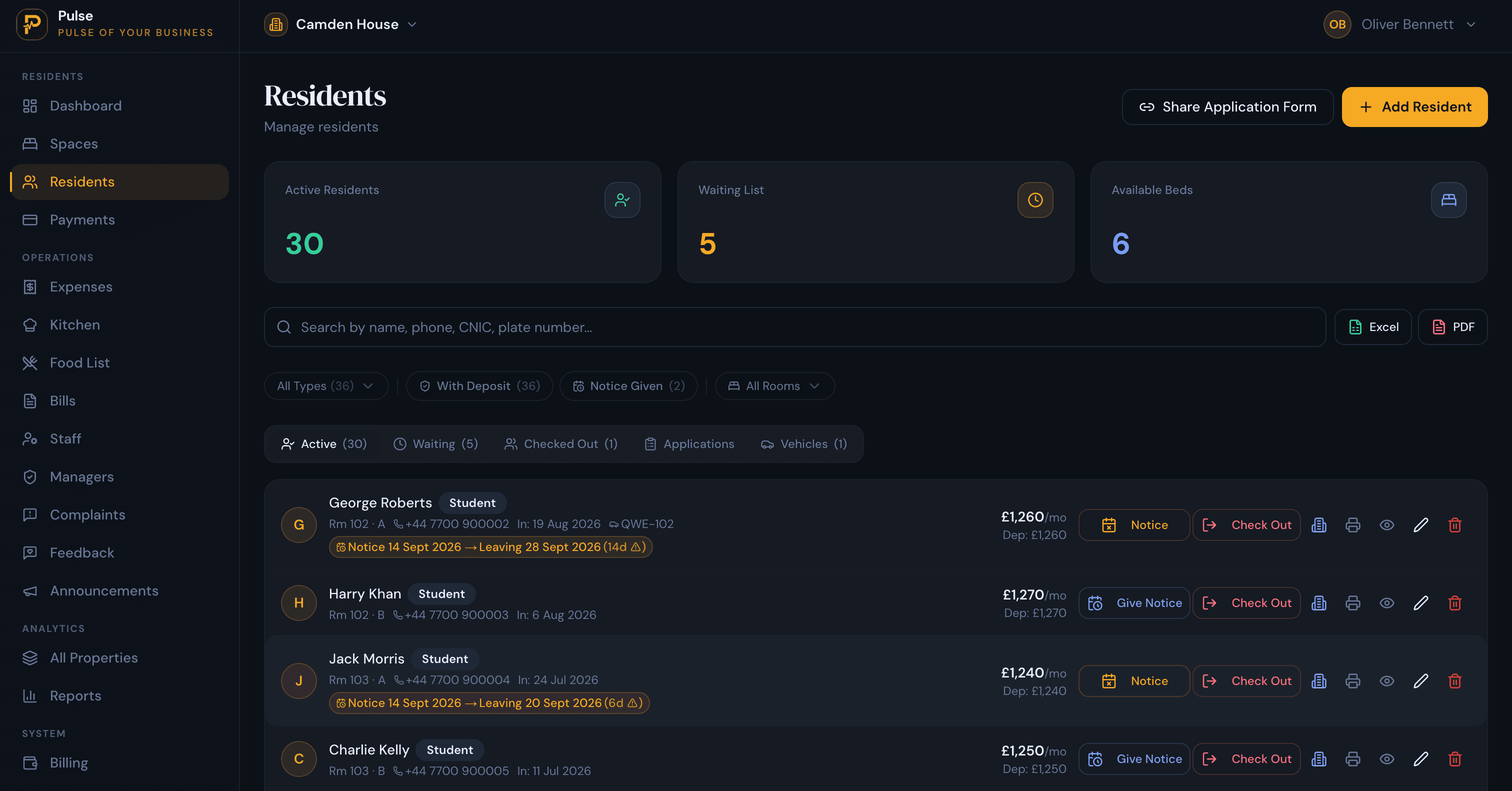
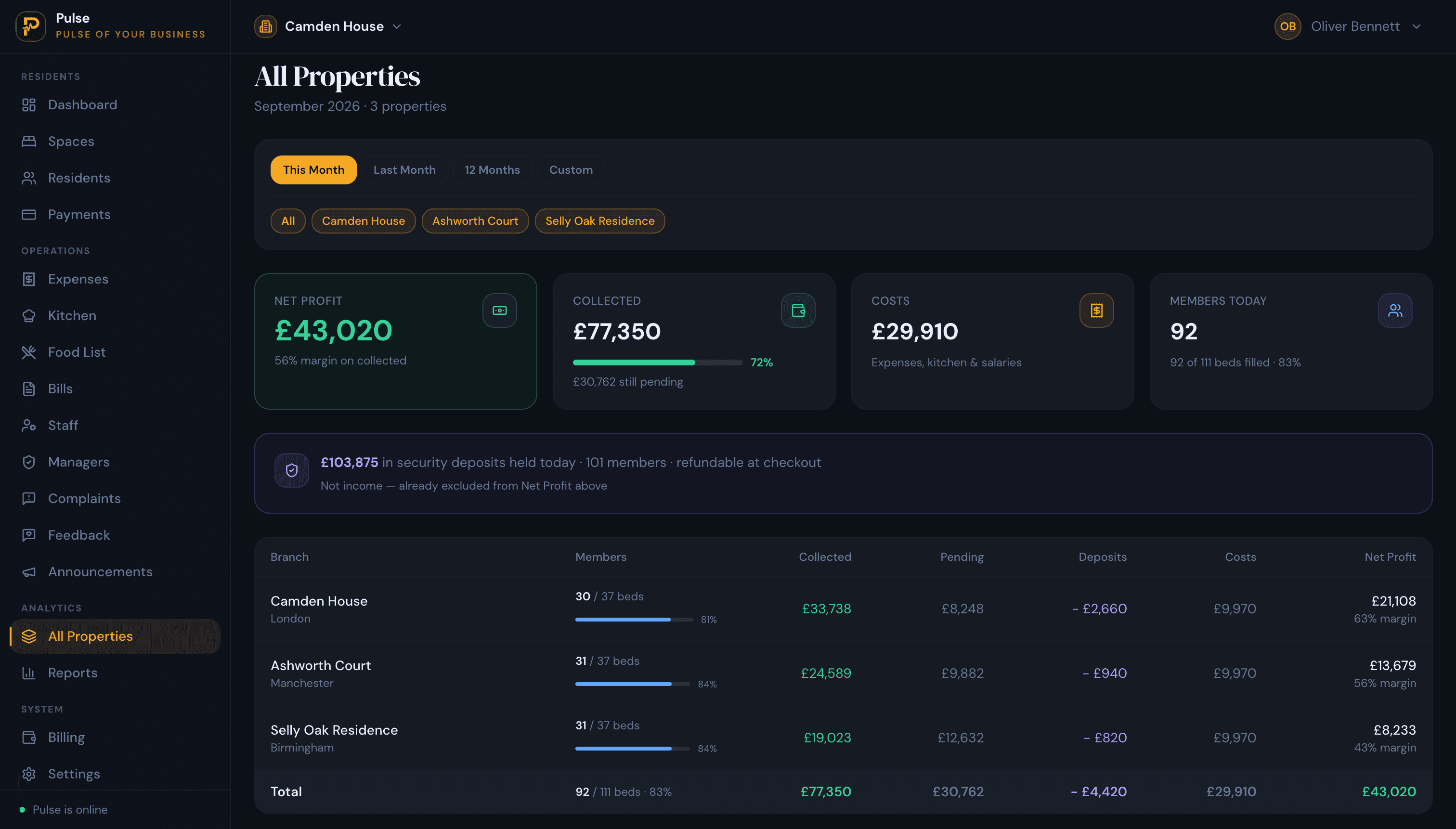
PulseHub is built for letting by the room and the bed, which is the whole point of room rental software. It organises each property into rooms and beds, keeps occupancy true, and every resident is one record with their deposit, documents and history. Each resident gets one bill, with part-payments recorded as installments, shared costs like metered electricity split between residents, arrears chased automatically, and every property in one portfolio view. Each property also gets a free public page with live availability, so you fill rooms from your own link.
One honest boundary: PulseHub runs the operations and records payments, but it is not a payment gateway or direct-debit processor and does not move money. You collect your usual way and log what was paid, and the balances, arrears and receipts stay correct. It suits the shared-living models directly: see hostel management software, co-living management software, HMO management software and student accommodation management software. New to the category? Read what a property management system is.
In short
If you let a property by the room, to several residents who each pay their own rent, you need software built around the room and the bed, not a whole-unit landlord tool. Look for true room and bed-level occupancy, one bill per resident, deposits and arrears handled, shared costs split fairly, your own page to fill rooms, and one view across every property.